
In-store screens and digital menu
Digital signage: in-store screens and digital menu boards
Digital signage means screens where you change content without printing: a menu, a promotion, opening hours or information. Below you find what they consist of, how a commercial display differs from a TV, how content is changed remotely and what applies to prices and allergens.
Updated: November 2026
Digital signage: the direct answer
Digital signage means screens in a shop, in a window, above a counter or in a waiting room that show content you can change without printing, for example a menu, a promotion, opening hours or product information. It consists of a display, a small computer that plays the content, a mount and software where you prepare and schedule the content.
If a screen shows prices or a menu, rules on price marking and allergen information apply as well. We summarise them below, with sources.
Grew Studio supplies the device, custom software and installation. The concrete configuration and price are set by an offer, after we know the premises and what the screen should do.
Where digital signage is used
A screen replaces something you would otherwise print or rewrite by hand. It is most often placed in these spots.
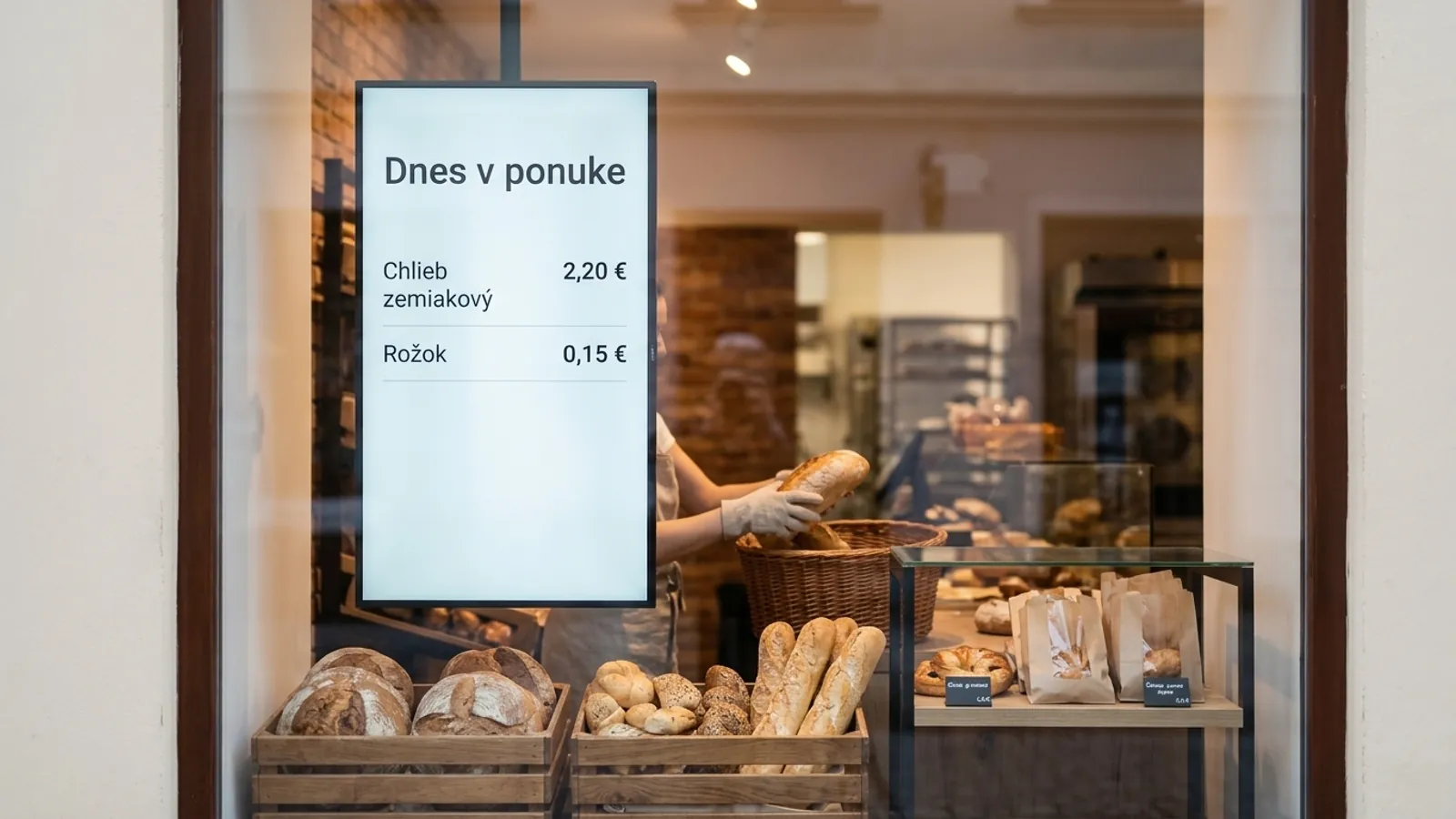
- Shop window: a screen behind the glass shows a promotion or a new product to people on the street. Behind glass in the sun, check the screen's brightness for the specific model, as explained below.
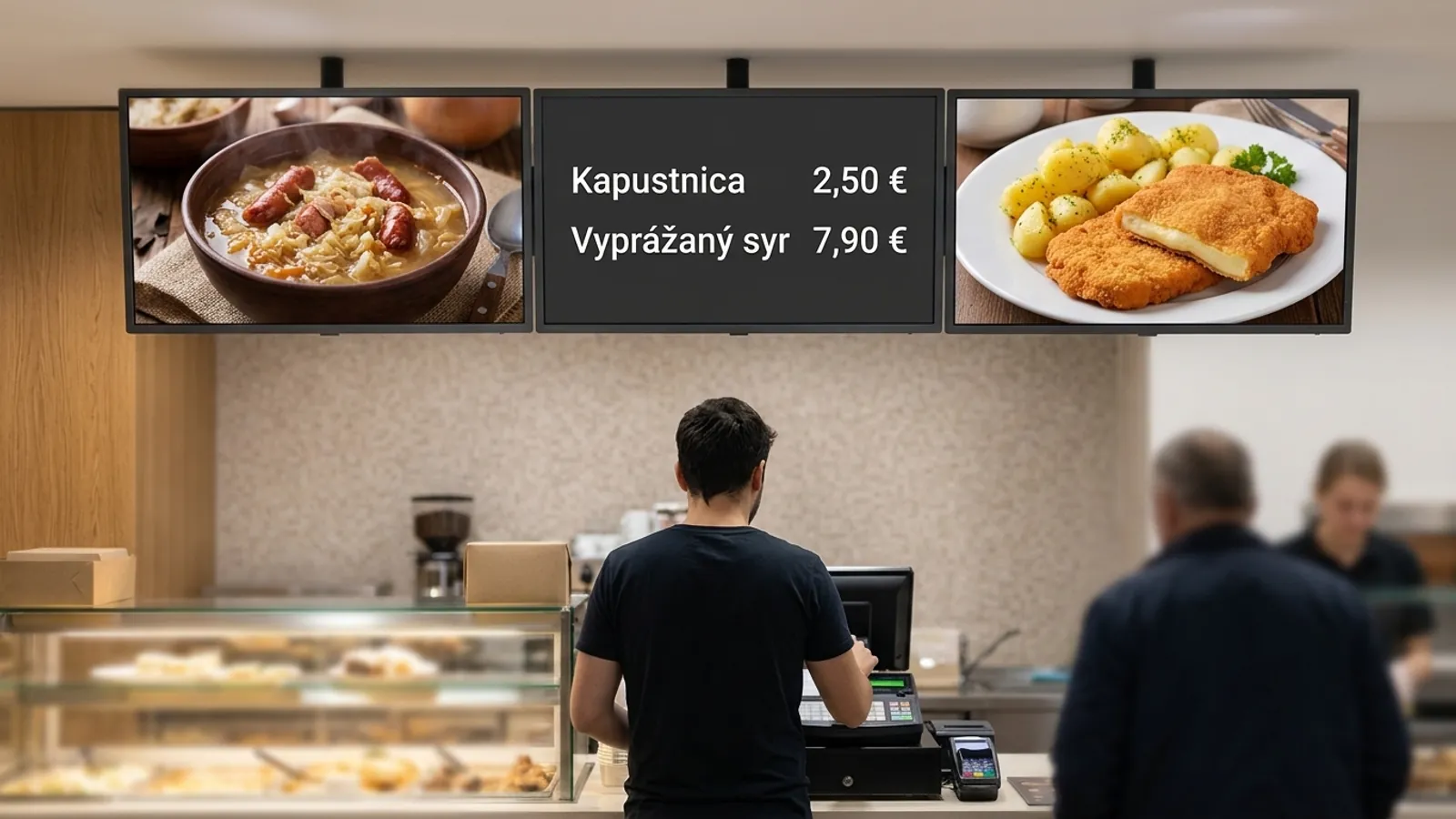
- Above the counter as a menu: the offer of food and drinks with prices, which you change without rewriting a board. For businesses serving food there is also the page on websites for restaurants.
- Waiting room: opening hours, notices and information for people who wait.
- Reception: a welcome and current notices for visitors.
- Shop floor: promotions and product information at the place where the customer chooses.
What digital signage consists of
A finished setup has four parts.
- Display: a screen made for long daily running, not a home TV.
- Player: a small computer that plays the content. It can sit inside the display (a so-called SoC, a chip with a computer inside) or in a separate module. According to manufacturers' data sheets, some commercial displays have the player built in, while others have none and offer an OPS slot, a standard place to insert a small computer module.
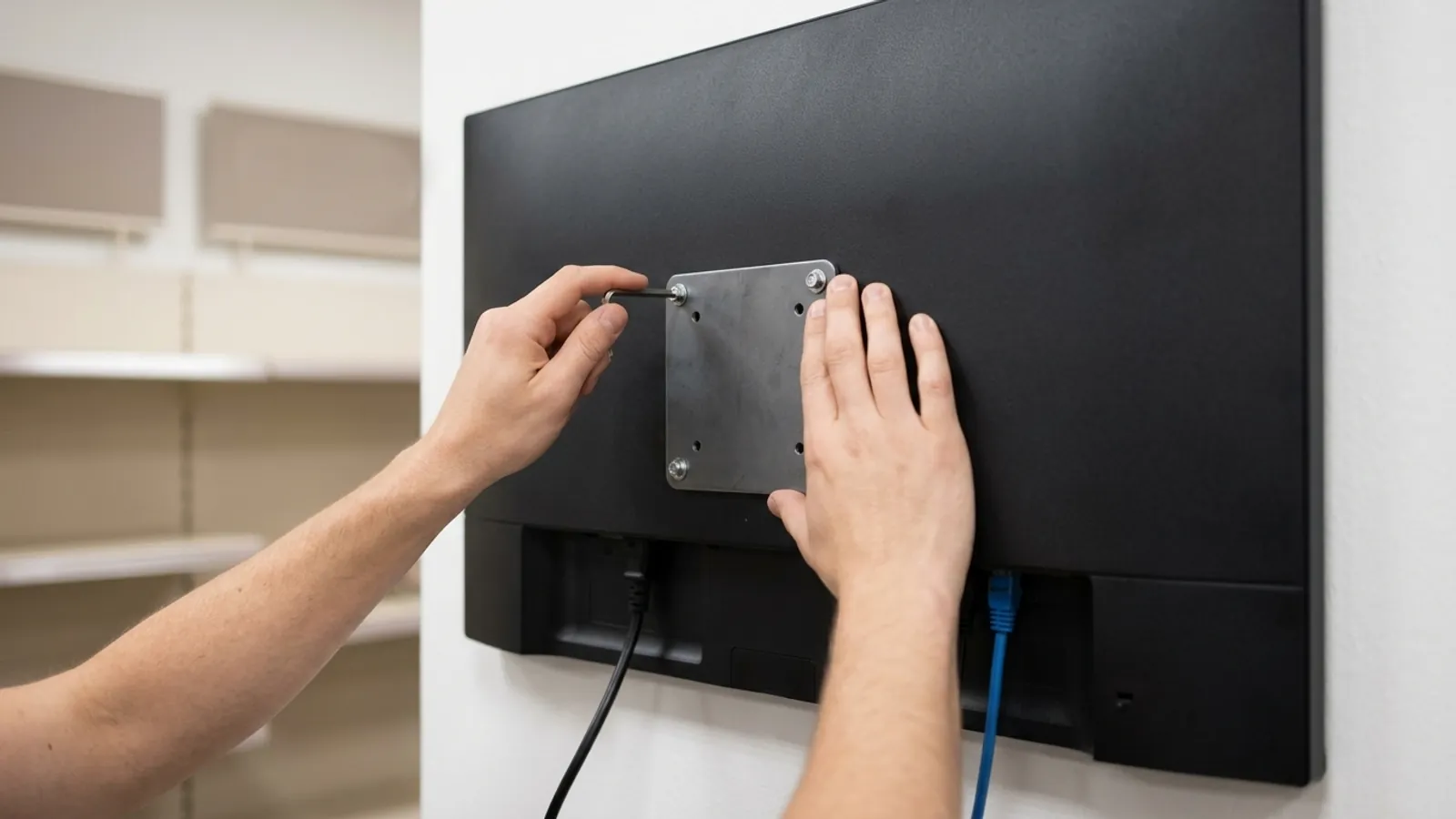
- Mount: the display hangs on a bracket matching the VESA hole pattern on its back. Data sheets list, for example, 200 × 200 mm and 300 × 300 mm.
- Content software (a content management system, CMS for short): there you prepare content, schedule when each item plays and see whether the screens are running.
Commercial display versus home TV
EU Regulation 2019/2021 on ecodesign of displays describes a “digital signage display” as a display designed mainly to be viewed by several people in a non-domestic environment, fixed to a structure, with a network connection and without a TV tuner. The definition alone shows it is a different kind of device than a TV in a living room.
The table shows what the data sheets of three commercial displays from one manufacturer say on its UK pages. These are not models we supply. They only serve as an example of what to look for in a data sheet.
A seller of window screens states that ordinary TVs wash out in direct sun behind glass and that a window on the sunny side needs a higher brightness. This is the seller's claim, and we found no independent measurement or standard for window brightness.
| Data sheet item | What the data sheets we read say | What to watch |
|---|---|---|
| Brightnesscd/m2, candela per square metre, the same as a “nit” | 43 inch model 500, 49 and 55 inch models 700 (typical value) | The data sheet gives a typical value. Behind glass in the sun, check brightness for the specific model. |
| Operating hours per day | Round-the-clock operation (24/7) is stated only for the 43 inch model. The two 700 cd/m2 models do not state it on the manufacturer's page. | Higher brightness does not automatically mean non-stop running. Check the hours for the specific model. |
| Orientation | The 43 and 49 inch models can be mounted in portrait and landscape. | Check that it fits portrait or landscape for your spot. |
| Power | 43 inch typically 80 W (maximum 120 W), 49 inch typically 85 W, 55 inch typically 130 W (maximum 150 W) | Data sheets give watts, not an annual cost. That depends on operating hours. |
| Operating temperature | 0 to 40 °C for all three models | Check it for a spot behind glass in the sun and for a warm room. |
Scroll the table sideways.
How content is changed remotely and what happens without internet
You change content in the content software from a computer, not at the screen. One display manufacturer, for example, states built-in software with templates and remote control through a cloud, that is, a service on the internet. Content management systems commonly allow a schedule too, for example a lunch menu in the morning and an evening menu later. The exact scope of software from Grew Studio is set by the offer.
If the internet drops, a well-built player keeps playing what it has already downloaded. We describe this from the documentation of the open-source system Xibo, which is an example of the common principle. How the software from Grew Studio behaves is set by the offer.
- According to the Xibo documentation, players can play content offline.
- At first set-up the player needs the internet to connect to the content management system.
- How far ahead content is stored in the player is a system setting. In Xibo the default is 2 days.
- Content that needs the internet, for example video streaming or an embedded web page, does not show during an outage.
What applies when a screen shows prices or a menu
This is information with sources, not legal advice. The duty to follow the rules lies with the operator. We read the texts on 18 November 2026, and the binding text is the one in the Collection of Laws.
The rules do not mention screens. They speak of a menu, a counter and a price tag. Whether a rotating screen meets, at every moment, the requirement that the list of allergens is part of the menu is an interpretation. We found no official guidance on digital menus, so check it with a lawyer or the food authority before launch.
| Situation | What the rule says | Where it is |
|---|---|---|
| Allergens in unpackaged dishes | Substances from Annex II must be indicated, for example cereals containing gluten, crustaceans or eggs. | Regulation (EU) 1169/2011, Art. 9(1)(c) and Art. 44(1) |
| A menu | The allergen is stated at each dish and the list of allergens is part of the menu. It can also be given as a serial number after the word “Contains”. | Decree 243/2015 Coll., § 3a(1) and (3) |
| Counter sale or self-service | The list of allergens must be in a clearly visible place at the counter or near it. | Decree 243/2015 Coll., § 3a(2) |
| Price of goods on a screen | The sale price and the unit price clearly and legibly. The sale price is the final price including VAT. The unit price is the price per kilogram, litre, metre or another common unit, and need not be shown if it equals the sale price. | Act 108/2024 Coll., § 6(1) and § 2(g) |
| Food served in a restaurant | The duty to mark goods with a price does not apply to goods supplied during a service. Correct prices must still be charged. | Act 108/2024 Coll., § 6(2)(a) and § 4(1)(a) |
| A discount on a screen | Every announcement of a price reduction states the previous price, that is the lowest price in the 30 days before the reduction. It does not apply to goods that spoil quickly. | Act 108/2024 Coll., § 7(1), (2) and (4) |
Scroll the table sideways.
Custom software: our part
Grew Studio supplies the device, custom software and installation. The aim is that screens connect to the price list or menu the business already keeps, so you do not type data twice. The concrete scope is set by the offer. How we build custom software is on the page about app development.
We can connect the software to the cash register or stock system you already use. We do not sell cash registers, we connect to the one you have.
If the customer should choose or order something, that is a self-service kiosk. If they should take a ticket and wait to be called, that is a queue management system. If you are also considering electronic shelf labels, tell us at once so we look at prices together.
Does digital signage help sell?
Independent evidence is modest and concerns shops. A peer-reviewed study in the Journal of Marketing (2026), covering 237 advertising campaigns and 30 million shoppers, found that digital screens increase the likelihood of purchasing the featured products by 8.1%.
Two grocery-store experiments (Journal of Retailing, 2024) showed that discounts on screens affected sales of products located farther from the screens, not those in the same department. There, printed displays may be enough, the authors suggest.
What to prepare on site
- Place: where the screen should hang, what the wall is like and how strongly the sun shines there. For a window, check the screen brightness.
- Internet: the player needs it at first set-up.
- Materials: the price list or menu in the form you already keep it, and for dishes a list of allergens.
- Permit: in the parts of the building laws (Acts 25/2025 and 26/2025) that we read, we found no provision on screens behind a shop window or on light nuisance. This is not a statement that no permit is needed. If the screen is to be outside, or you are unsure, ask the building office of your municipality.
How the work goes
Work starts with an intro call and continues with a written offer with a precise scope.
- 1Free intro call. We talk about where the screens should hang, what they should show and from which system prices or the menu should come.
- 2A written offer with a precise scope. It contains the displays, software, installation and the price.
- 3Delivery and installation according to the offer. We supply and install the devices and software as you approved in the offer.
Where the data on this page comes from
Technical data come from data sheets on manufacturers' pages, legal statements from the texts of the rules. We read them on 18 November 2026. The manufacturers in the sources are not our suppliers.
Sources:
- LG, data sheet 55SH7E-B (UK)
- LG, data sheet 49SH7DD-B (UK)
- LG, data sheet 43UH5N-E (UK)
- BenQ, smart signage (CZ)
- Xibo, media players without an internet connection
- Seen Labs, high-brightness window displays (vendor statement)
- EUR-Lex, Regulation (EU) No 1169/2011 on food information
- Slov-lex, Decree No 243/2015 Coll. on food labelling
- Zákony pre ľudí, Act No 108/2024 Coll. on consumer protection
- EUR-Lex, Regulation (EU) 2019/2021 on ecodesign of electronic displays
- Slov-lex, Act No 25/2025 Coll. (Building Act)
- Zákony pre ľudí, Act No 26/2025 Coll.
- University of Bath, study by Herhausen, de Jong, Grewal (Journal of Marketing 2026)
- EconPapers, study by Nanni, Ordanini (Journal of Retailing 2024)
Frequently asked questions
01What is digital signage?
It means screens where you change content without printing, for example a menu, a promotion or opening hours. It consists of a display, a player, a mount and content management software. You make a change in one place and the screens show it.
02Why is an ordinary TV not enough?
Commercial displays differ in data sheet items such as brightness, operating hours and a slot for a player. Of the three data sheets we read, only one model states non-stop operation. For each type, find these rows in the data sheet and check the operating hours with the manufacturer.
03Can I change the menu myself and schedule it?
In content management systems, content is changed from a computer and you can commonly set when each item shows, for example a lunch menu in the morning. The exact scope of software from Grew Studio is set by the offer after the intro call.
04What happens when the internet goes down?
According to the documentation of the open-source system Xibo, a player can play already downloaded content offline. Content that needs the internet, such as video streaming or an embedded web page, will not show. The behaviour of software from Grew Studio is set by the offer.
05What must a digital menu show about allergens?
Decree 243/2015 Coll., § 3a, requires a menu to state the allergen at each dish and to include the list of allergens. It can also be given as a serial number after the word “Contains”. The rule does not mention screens, so check the way of display with a lawyer.
06What if the screen shows discounts?
Under § 7 of Act 108/2024 Coll., an announcement of a price reduction states the previous price, that is the lowest price in the 30 days before the reduction. It does not apply to goods that spoil quickly. This is information, not legal advice.
07Do I need a permit for a screen in a shop window?
In the parts of the building laws we read, we found no provision on screens behind a shop window. This is not a statement that no permit is needed. Ask the building office of your municipality.
08How much does digital signage cost?
We do not publish a price, it depends on the premises and on what the device should do. We supply the display, custom software and installation, and you receive the price in a written offer after the free intro call.
You might also like
Want screens for your shop or a digital menu?
Book a free call with us. We talk about where the screens should hang and what they should show, and you receive a written offer.